
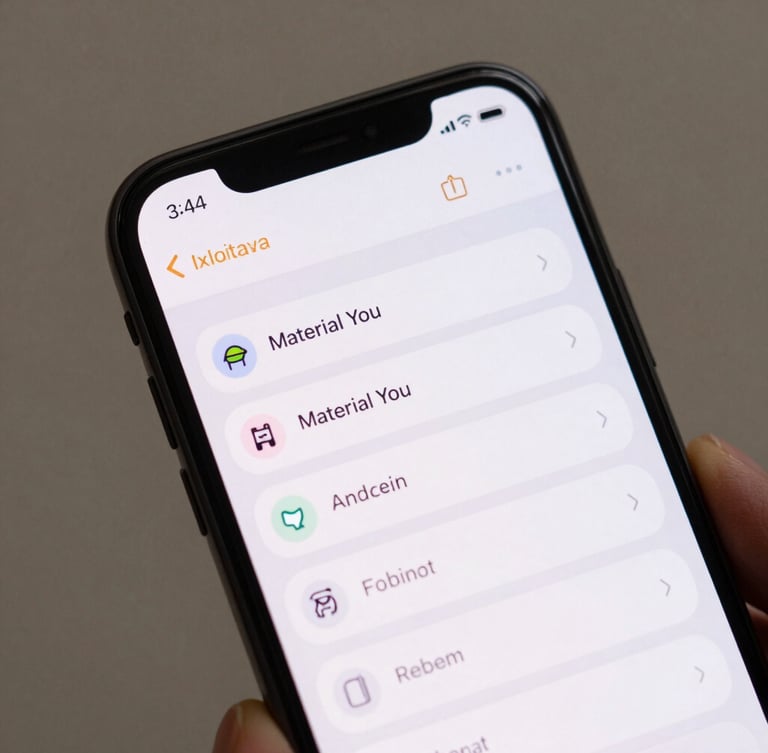
On-device clipboard history manager
A lightweight, zero-telemetry Android utility that stores and encrypts your copied snippets locally. Access your data instantly with native system integration.
Fast native access
Designed to feel like a core part of your Android operating system. No heavy background processes, no custom non-standard UI wrappers.
System shade tiles
Direct IME paste
Launch your clipboard history directly from the quick settings panel. Tap to copy any historical snippet back to your active input field instantly.
Paste saved text directly through your native keyboard interface. No app switching, no interruption to your workflow, completely offline.
Absolute local privacy
No internet permission
Our public manifest explicitly omits the internet permission. Secure on-device encryption keeps your local database sandboxed and safe from external threats.
Your clipboard history is strictly private. By stripping all network permissions, we ensure your sensitive data physically cannot leave your physical device.
Verified by F-Droid. Open-source code available for public audit on GitHub.